
Sign into the software. Your home page will appear that looks like this:
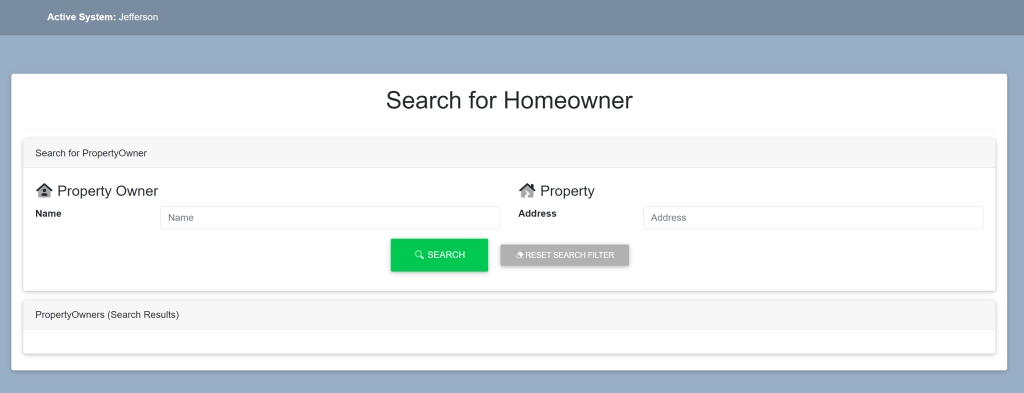
Within the Search For Property Owner box, locate the search bar under Property to the right of Address.
Type in the address (this can be the entire address, only numbers or just the street name). It will looks like this:
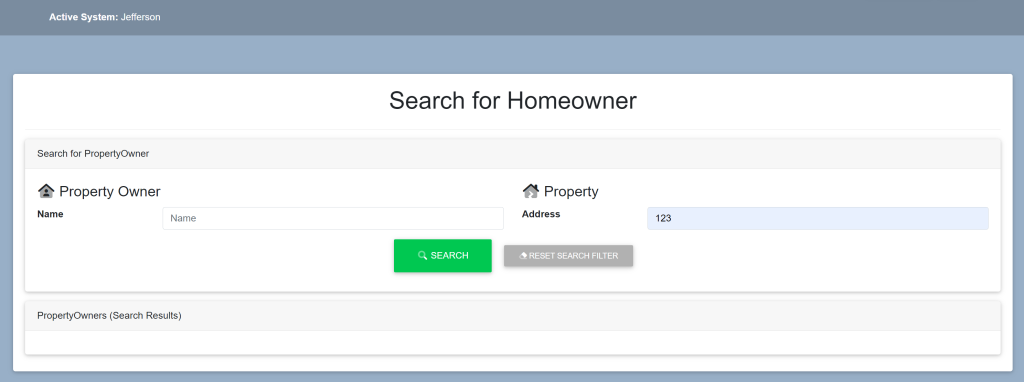
Select the green button titled ‘Search’.
A list of properties alongside their owners will appear within the Property Owners (Search Results) box.
Select the property in which you wish to view the photos. This will take you here:
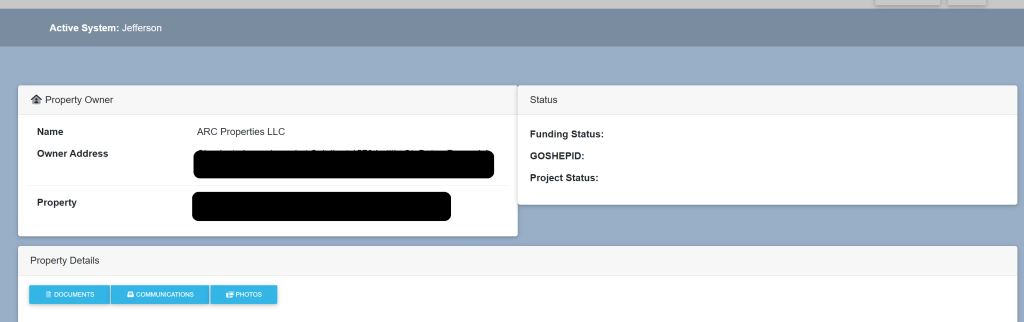
Locate the Status box.
You will see Funding Status, GOSHEPID and Project Status. They will be provided here.